Unlock New Revenue Streams with Our Premium Job Search Script – Easy Setup for Google AdSense & Google Ad Manager Monetization
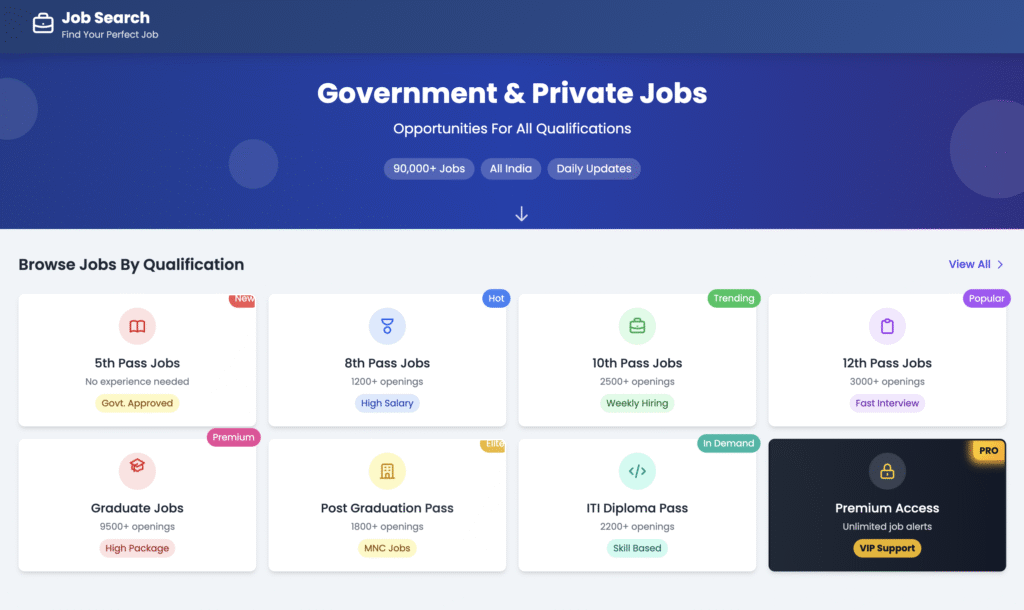
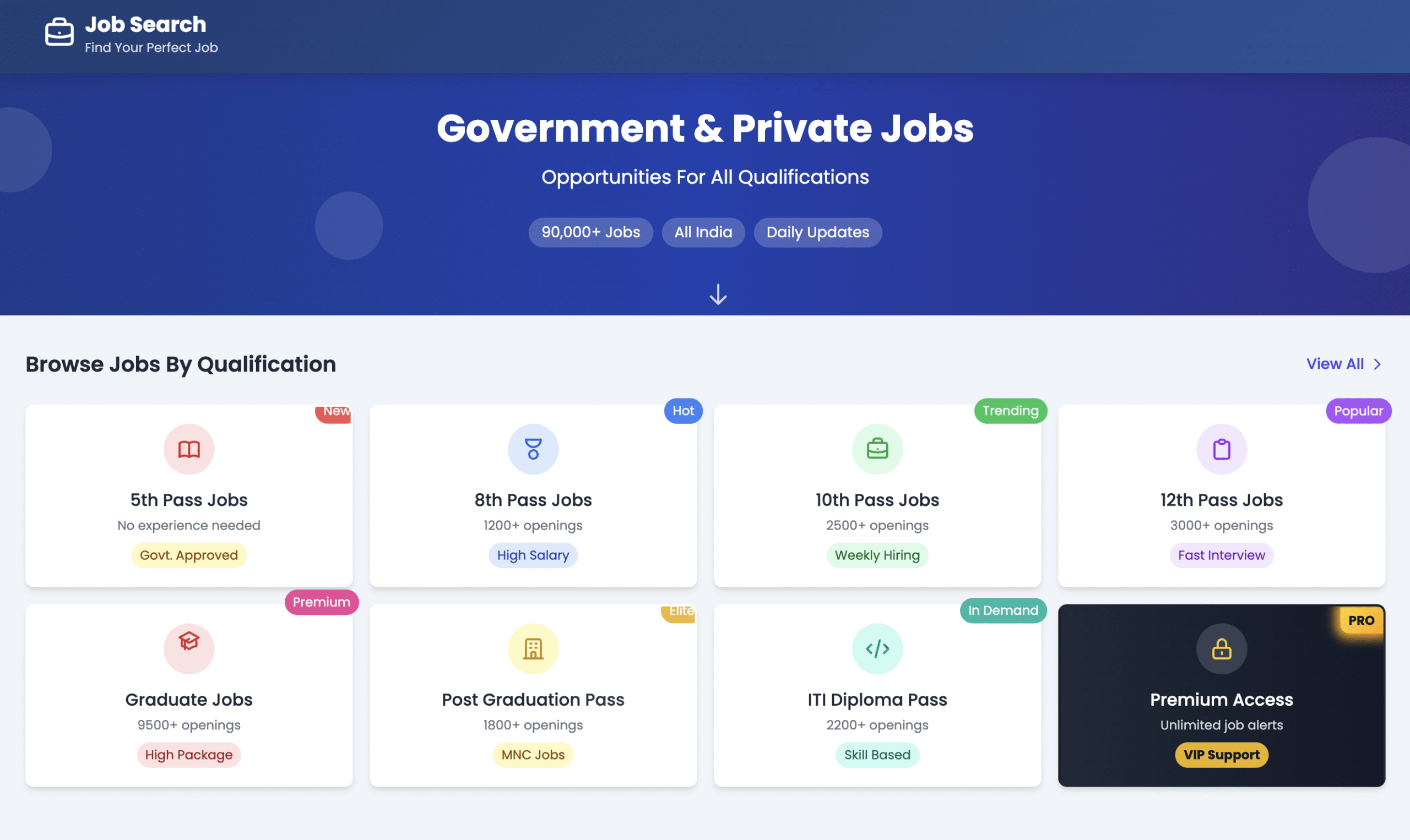
Looking to enhance your website with a professional and premium job search feature? Our Job Search Script allows users to browse job opportunities by qualification, making it the perfect addition to any career-focused platform. Not only will your users benefit from easy job browsing, but you’ll also be able to earn money through Google AdSense and Google Ad Manager integration.
Download Our Job Search Script for Free
This job search script is available for free download! Simply click the download link below, and you’ll be able to easily upload and integrate it into your website.
Once the script is downloaded, you can easily embed it into your website. The interface is simple and user-friendly, ensuring that your visitors can browse job opportunities by qualification and location effortlessly.
How to Integrate Google AdSense and Google Ad Manager for Monetization
Once you’ve integrated the job search functionality into your website, you can start earning revenue through ads. Here’s how you can integrate Google AdSense and Google Ad Manager to monetize your platform:
1. Set Up Google AdSense on Your Website
- Step 1: Sign up for a Google AdSense account if you don’t already have one.
- Step 2: Once your account is approved, you’ll receive an AdSense code that can be placed on your website.
- Step 3: Embed AdSense ad units in strategic areas of the job search page, such as the sidebar, between job listings, or at the footer. You can choose from various ad formats like text ads, display ads, and link ads.
- Step 4: Once the ads are live, you’ll start earning money based on clicks and impressions.
2. Implement Google Ad Manager for More Control
Google Ad Manager provides more control over your ads and allows you to serve a wider variety of ad types. Here’s how to set it up:
- Step 1: Sign up for Google Ad Manager (if you don’t already have an account).
- Step 2: Create ad units through Google Ad Manager and get their respective codes.
- Step 3: Place these ad units within your website’s job search page. Ad Manager allows for custom ad placements and targeting, making it possible to maximize revenue by showing relevant ads to users based on their behavior.
- Step 4: Use Google Ad Manager’s reporting features to monitor ad performance and adjust placements for optimal revenue generation.
3. Ad Placement Tips for Maximum Earnings
- Above the Fold: Ensure that some ads are placed in visible areas that load quickly when the user opens the page.
- Responsive Ads: Use responsive ad units that adjust based on screen size for a seamless user experience across devices.
- In-Content Ads: Place ads within job listings or between different sections of the job search feature, increasing the chances of clicks as users scroll through the page.
4. Optimize Your Site for Ad Revenue
- Increase Traffic: The more visitors your site receives, the higher your chances of ad clicks. Promote your site through SEO, social media, and other marketing channels.
- User Engagement: Encourage visitors to interact with your job search feature by adding filters, sorting options, and quick search features. More engagement means more page views, which translates into more ad impressions.
Exclusive Script !
Friends, I can’t offer this script for free because if it reaches too many people, it will become ineffective. That’s why I’ve priced to ensure it’s used properly. This script is available in limited quantity, so its effectiveness remains intact.

Benefits of Monetizing with AdSense & Ad Manager
- Passive Income: Once set up, Google AdSense and Google Ad Manager work automatically, generating passive income every time a user clicks on or views an ad.
- Targeted Ads: These platforms provide targeted ads based on user behavior, meaning users see relevant content, and you earn higher-quality clicks.
- Flexibility & Control: With Google Ad Manager, you have full control over the types of ads shown and where they appear on your website.
Conclusion
By integrating this premium Job Search Script into your website and monetizing it with Google AdSense and Google Ad Manager, you open up a reliable source of passive income. This easy-to-install solution will not only improve user experience on your site but will also help you generate consistent revenue from the traffic you bring in.
Ready to start earning?
Download the Job Search Script now, integrate it into your website, and start monetizing with Google AdSense and Ad Manager today.